Somewhere between finishing a translation project and getting paid for it, someone on your team is still doing the accounting manually: creating the client invoice, cutting the translator's bill, then checking back later to see if either one actually got paid.
That's the part of the business wxrks was built to automate. The wxrks QuickBooks Connector turns invoices, payables, and payment status into something that happens on its own, tied directly to the projects you're already running.
Invoice Clients Automatically
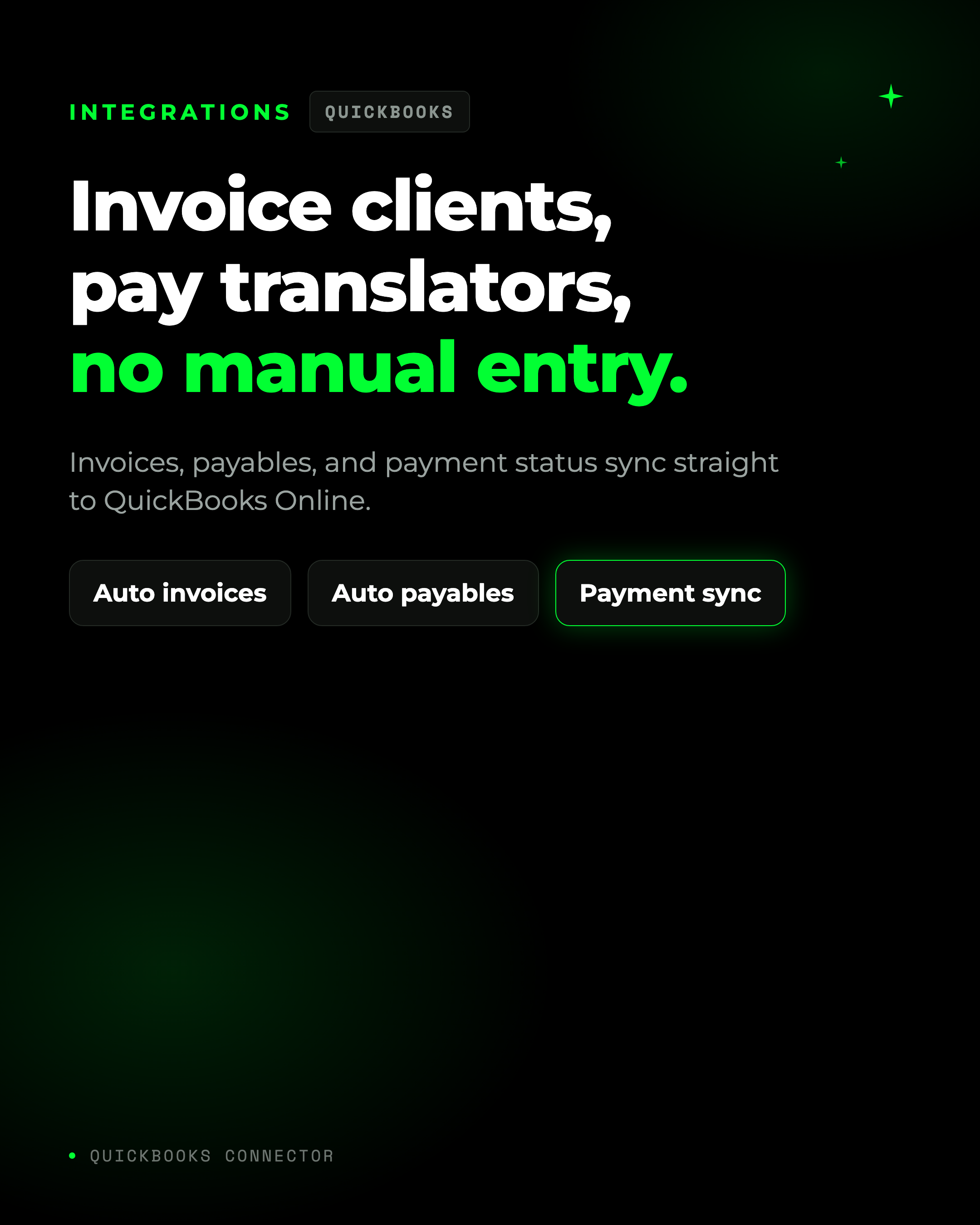
When wxrks creates an invoice, it can create the matching QuickBooks invoice at the same time, linked to the right customer and billing item, with your purchase order number carried straight into QuickBooks's own PO field. No re-typing a project into an invoice template.
Pay Translators Without Manual Bills
The same goes for the other side of the ledger. When a payable is created for a translator or vendor set up with QuickBooks as their payment method, wxrks creates the Bill in QuickBooks directly, using the vendor record you've already mapped. Nobody has to open QuickBooks and enter it by hand.
Payment Status Syncs Both Ways
Once a client invoice or a translator bill shows a zero balance in QuickBooks, wxrks marks it PAID automatically. Your team stops checking two systems to answer one question: did this get paid?
Matching That Doesn't Require a Spreadsheet
Connecting an org unit to a QuickBooks customer, or a translator to a QuickBooks vendor, usually means matching names one by one. wxrks suggests the matches for you instead, comparing names for you and preselecting anything it's 90% or more confident about. You review, adjust what's wrong, and save. Vendor matching runs the same way, by comparing emails, so onboarding a large roster of translators doesn't mean mapping them one at a time. It's the same principle behind the wxrks Contentful connector, matching once and letting the platform carry it forward.
How It Works
- Connect. An admin authorizes your QuickBooks company from wxrks Settings and sets the accounts wxrks should use.
- Map. Link org units to QuickBooks customers and products, and translators to QuickBooks vendors, individually or in bulk.
- Sync. Invoices, bills, and payments flow automatically between wxrks and QuickBooks from that point on.
- Confirm. Test the connection any time to check your credentials and account mappings are still correct.
This connector is available on Business and Enterprise plans, and setup requires QuickBooks Online with API access and connector administration access in wxrks. The full click-by-click setup, including webhook configuration, lives in our Help Center. This piece covers the shape of the connector, not the full walkthrough.
Get Started Today
Stop reconciling invoices and translator payments by hand across two systems. Connect wxrks to QuickBooks and let the money side of your translation business run itself. Read the full setup guide in our Help Center, or book a demo to see it in action.
Unlock the power of glocalization with our Translation Management System.
Unlock the power of
with our Translation Management System.