A client who comes to the wxrks marketplace usually knows one thing for sure. They need a language. Since this week, that is the first thing the marketplace asks them. "Which language do you need?" They type Swahili, and they see the four partners who work in it, each with the variants they cover.
So what decides whether a client finds you is your profile, and above all the languages on it. This is a short guide to the new design, and an invitation. Fill out your profile, list every language you work in, and bring what you have learned to the community.
What a client sees now
The marketplace lists 109 partners from the wxrks community, from freelance translators to agencies, based in 43 countries. Between them, they work in 138 languages. Premium Partners come first, and everyone else appears in a new order on every visit.
A search matches every variant of a language. Look for Spanish and you find the partners who listed Spanish from Mexico, Spain, or Argentina, and each result shows the variants it matched. Without a search, each card shows popular languages first, like English, Spanish, and French, then says how many more there are.
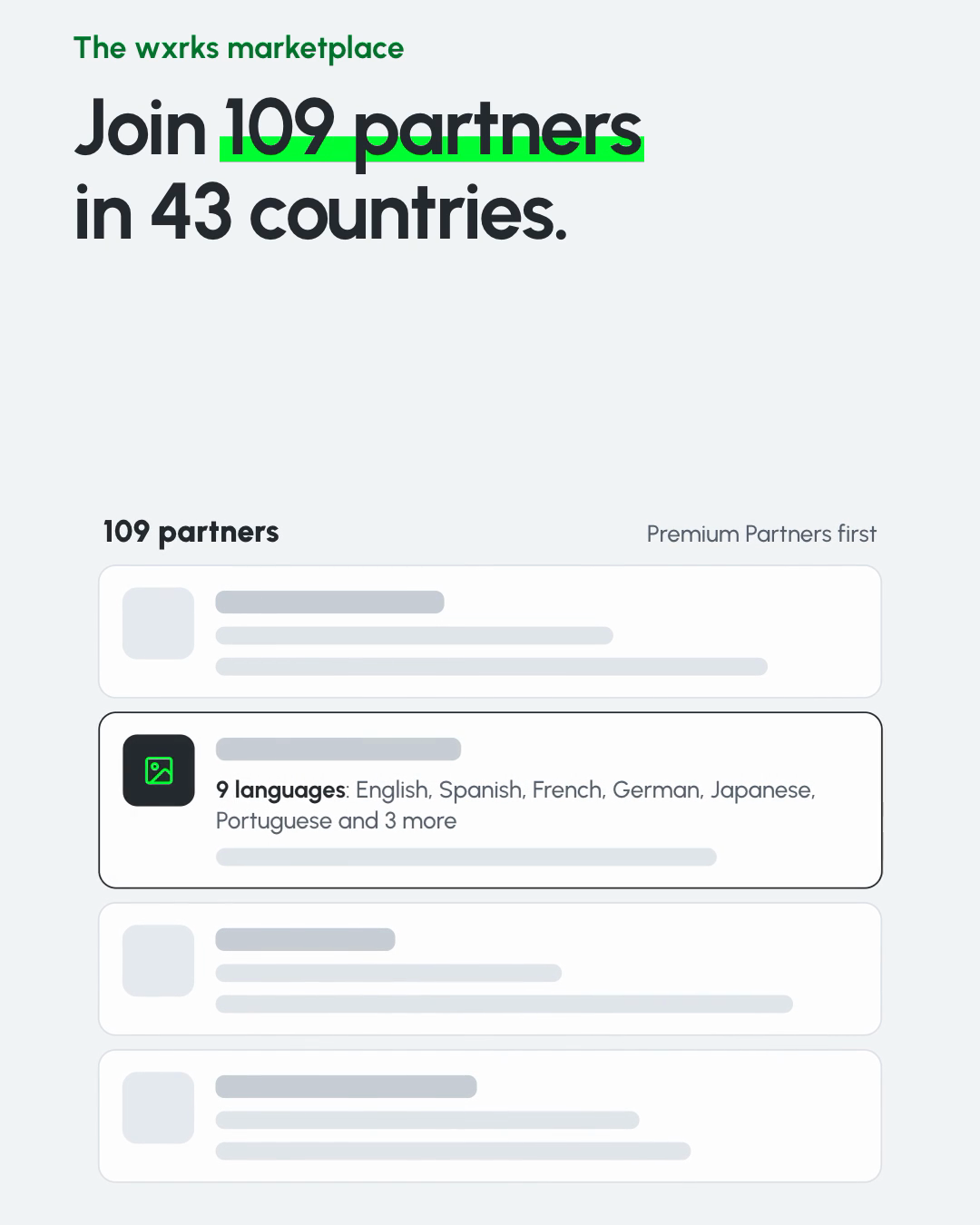
On a profile, the languages are grouped. Each language shows once, with its variants underneath, so a long list stays easy to read. One agency's 152 entries now read as 87 languages. A client can also check a single language on your profile, and typing "Mexico" finds your Spanish.
Fill out your profile
Everything a client sees comes from your community settings, in the section called Marketplace listing. It takes a few minutes.
- List me on the marketplace. Switch it on to publish your profile. Switch it off any time, and nothing you wrote is lost.
- I am a. Freelancer, agency, company, or product.
- Country and city. Clients filter by country and search by city.
- Contact email and website. Where enquiries go, and where clients see your work.
- Hourly rate. Optional.
- About your work. A few lines on what you do best, the subjects you know, and the clients you serve.
- Available for work. Shows "Taking new work" on your profile.
Your name, headline, and photo or logo come from your community profile, on the same settings page.
List every language you work in
The languages field is the one that decides the search. Pick each language you work in, and its variants too, like Portuguese from Brazil and from Portugal. The marketplace groups them for you, so adding a variant never makes your profile harder to read. It only makes you easier to find. If you are unsure what counts as a variant, the W3C explains how the web names a language and its regional versions in its guide to language tags.

If you work in a language a client searches for and it is not on your list, the search will not show you. That is the one rule worth remembering.
Bring your voice
The marketplace is one door into the wxrks community. Behind it, translators and agencies ask, answer, and share what they learn, in spaces like Share your wins and Ask for Help.
This year most of that learning is about AI. Some of you changed how you review, how you quote, or what you say yes to. Our Edit Distance Report measured how much people still change in AI suggestions across 27 million sentences, and the numbers only tell part of the story. The rest is in your work. Write it in the community. Someone else is trying to figure out the same thing.
For more on where the craft is going, read why AI agents won't replace translators, but they will change translation, and see how wxrks works for translators and for translation agencies.
Join the marketplace
Open your settings, switch on your listing, and add every language you work in. Then see how clients find you on marketplace.wxrks.com.
Unlock the power of glocalization with our Translation Management System.
Unlock the power of
with our Translation Management System.