Quality Management
wxrks checks and scores every segment, then routes it by your rules. Low-risk content confirms on its own. High-stakes content goes to the reviewer you choose. Approved words stay as approved, and every reviewer edit is recorded with its reason.
 Named a Leader on G2for Translation Management Systems
Independently audited
Watch it work
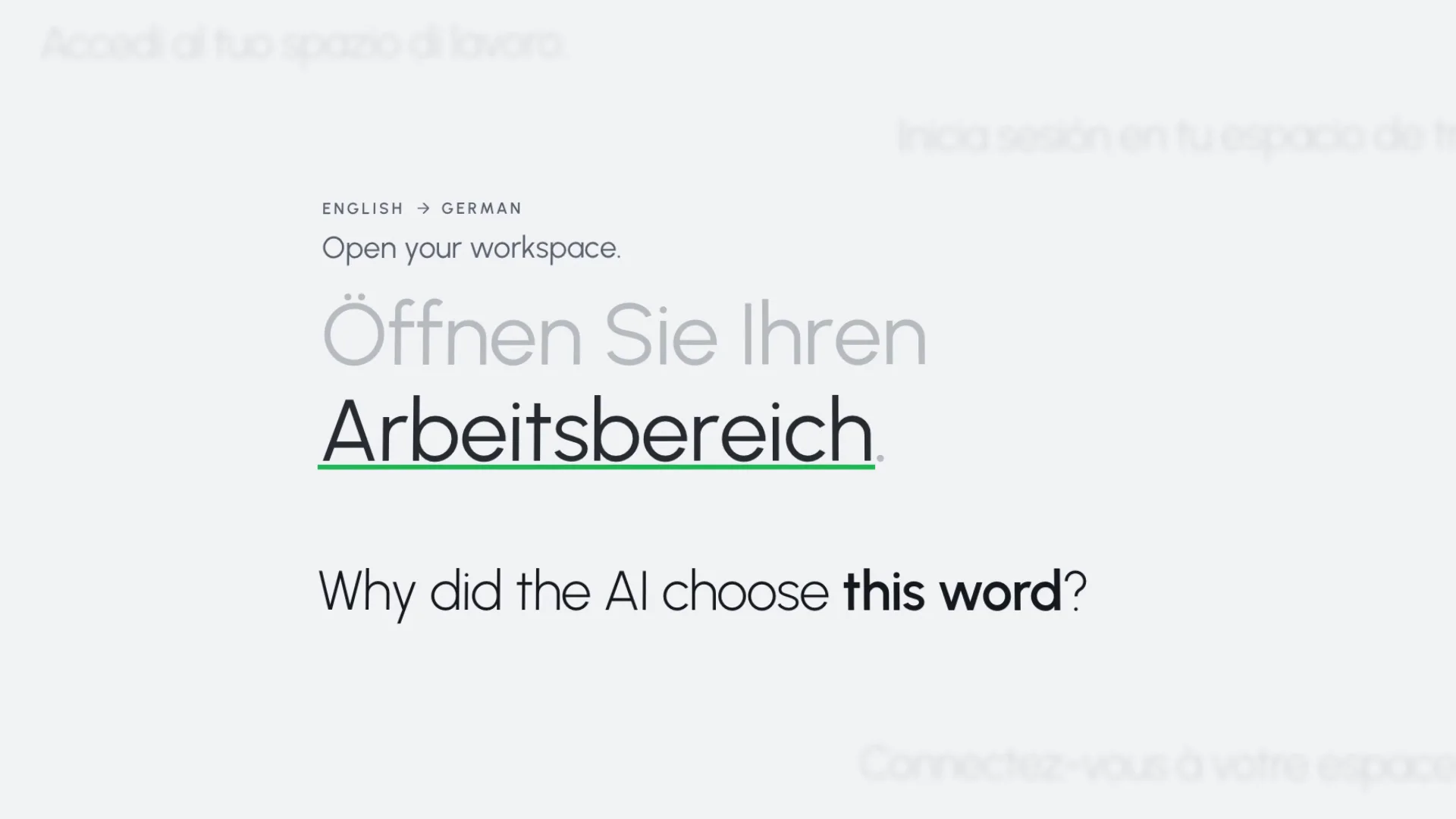
How Smells catches meaning problems before a file goes out, and how wxrks explains the choices its AI makes.
Global teams run translation on wxrks






Where the risk is
Localization teams in healthcare, life sciences, consumer products and software describe the same four situations on our calls. Most content can move fast. A few words cannot be wrong.
A medicine name patients in one country don’t recognize. A term a regulator prescribes word for word, where any other word makes the product non-compliant.
Once legal or a market approves a sentence, no translator and no AI should improve it.
When a sentence changes, teams need to see whether a person, the memory or the AI changed it, and what the reviewer called the change.
A missing sentence, an extra number, a line left untranslated. Easy to miss in review, hard to explain after launch.
Across the workflow
QA checks are one part. Before a project starts, you clean the memory and refine the glossary. While it runs, rules check, score, route and lock. After delivery, the data shows where quality moved.
SetA rule you configure MeasureA number you get
01 Check
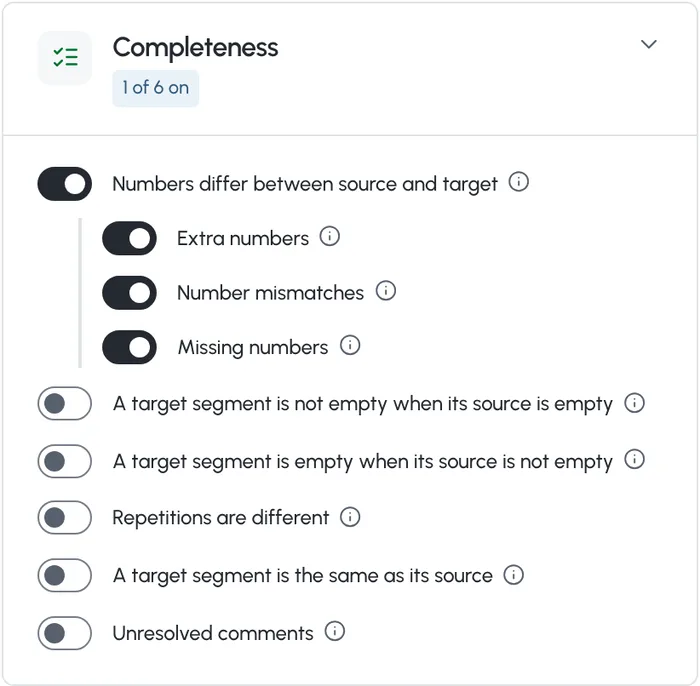
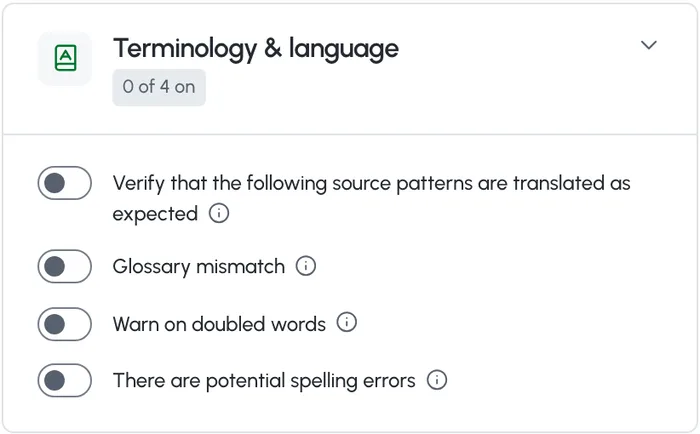
The QA check runs rule-based checks on tags, numbers, whitespace, length, glossary terms and spelling. Smells, the wxrks AI check, reads each segment for meaning, including what was changed, dropped or added.

02 Score
Smells gives each segment a Confidence Score, the weight of its worst open problem, and 100% when there is none. You set what each severity costs, from Blocker to Info, or start from a preset such as MQM-style.
03 Route
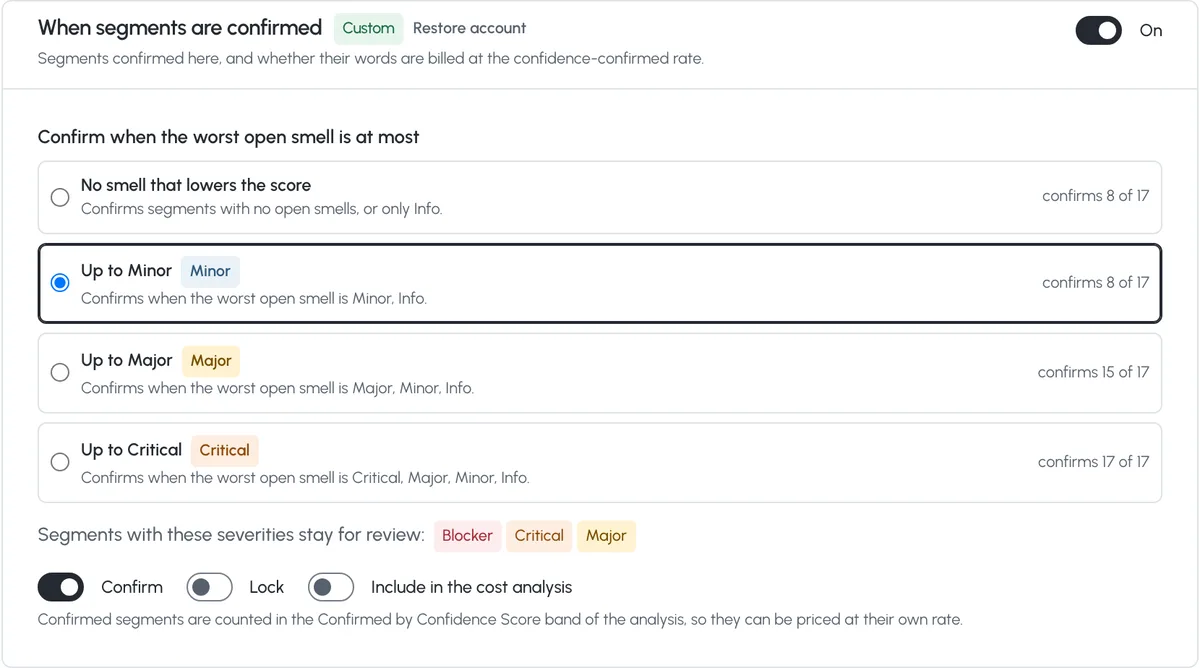
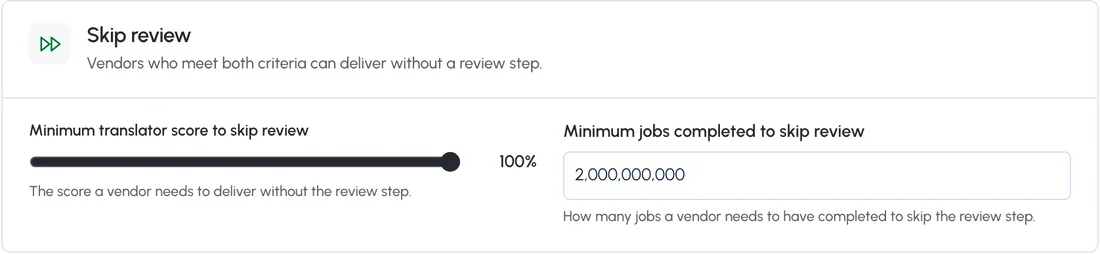
Your rules decide what confirms on its own and what goes to a person. Set them once for the account, then make them stricter for the units and projects that carry more risk.
Approved words
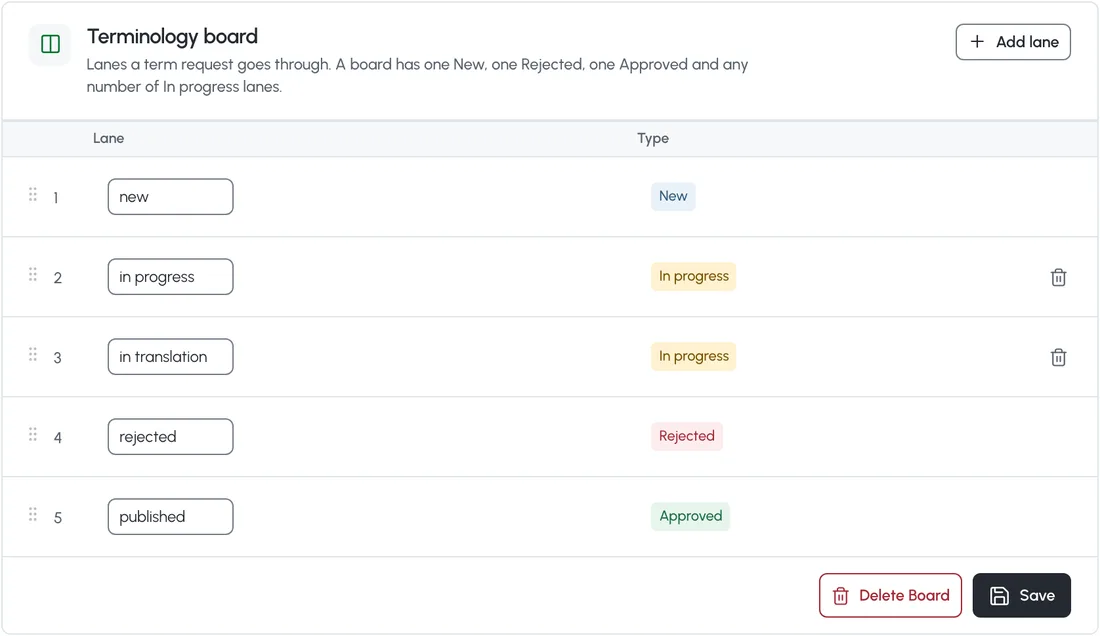
Risk often sits in a handful of words: a product name, a regulated claim, a legal phrase. wxrks keeps them where your team put them.
04 Review
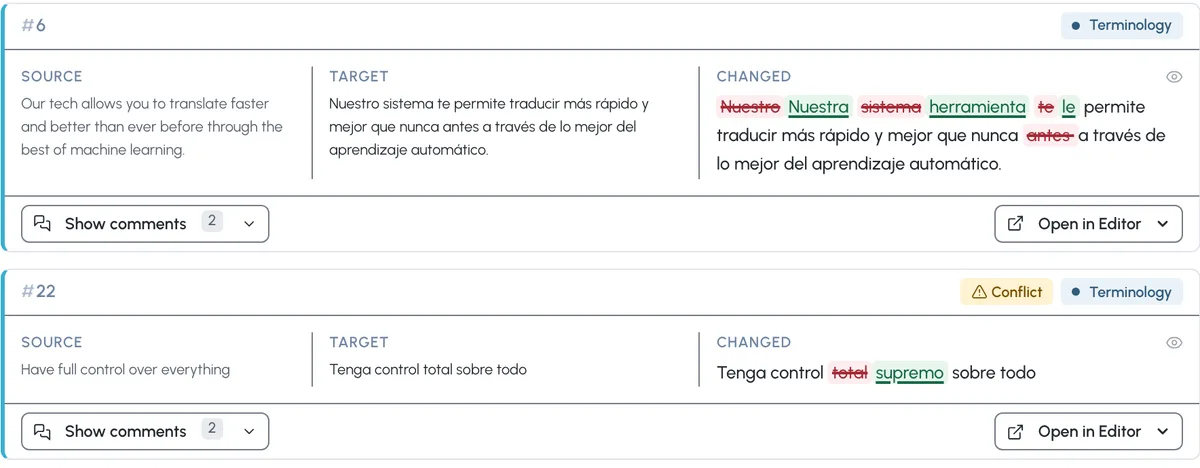
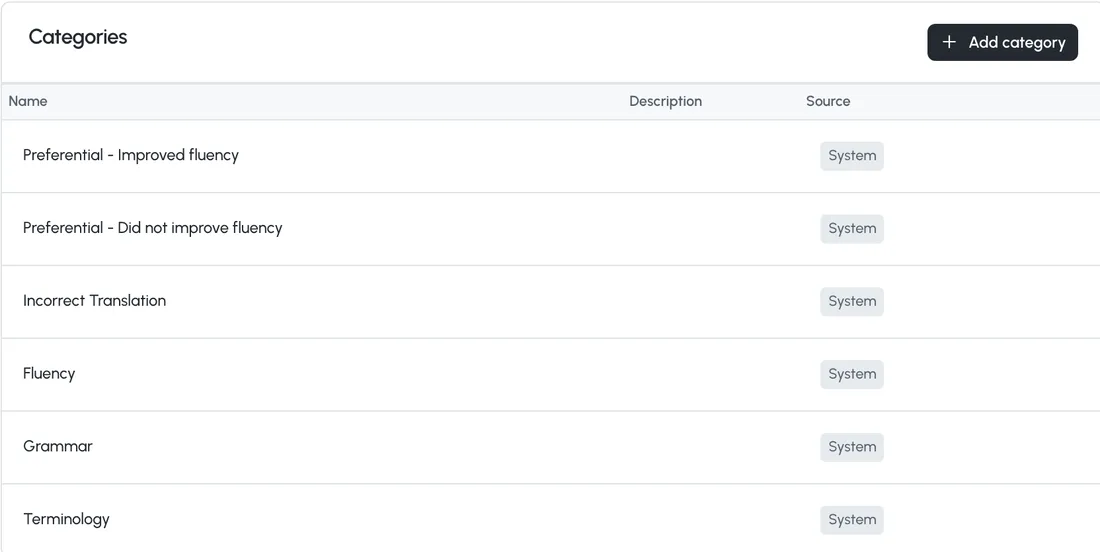
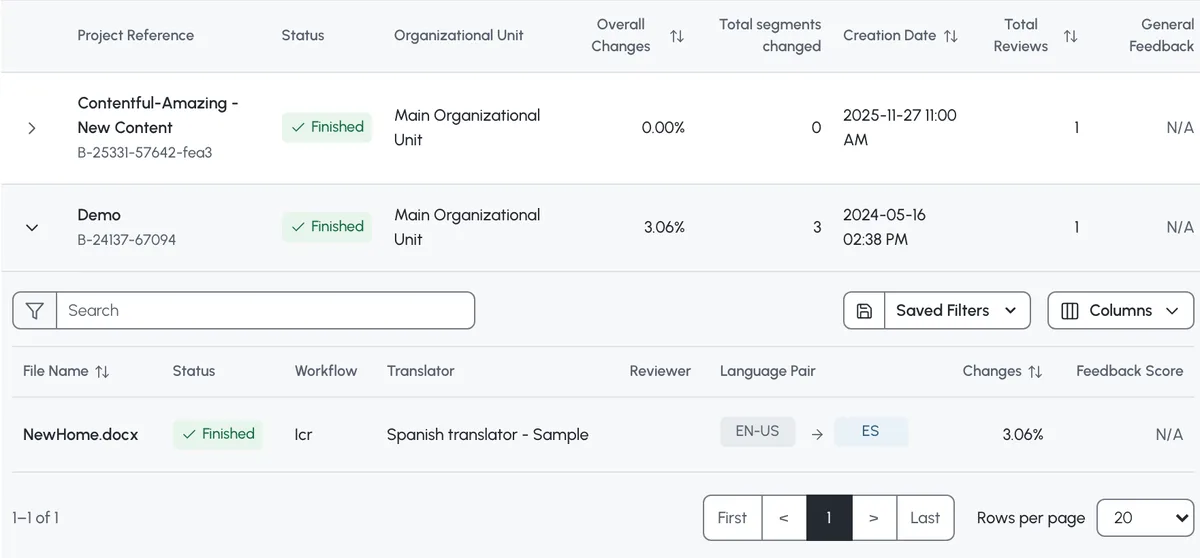
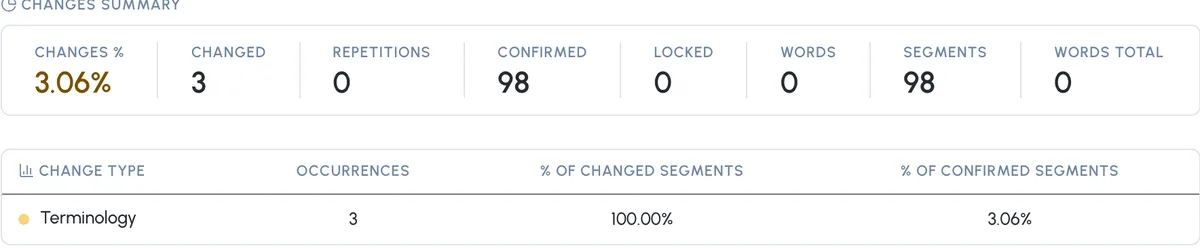
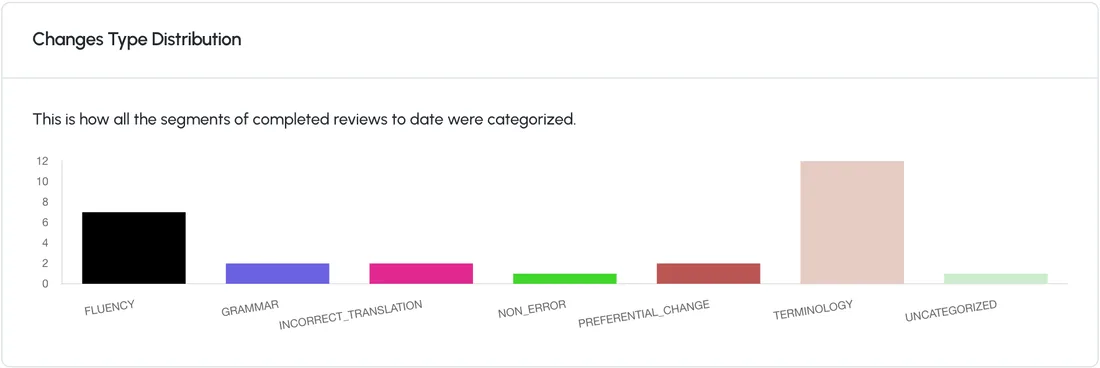
Any workflow step after translation is a review step. Each edit gets a category, and reviewers can add feedback to what they reviewed.
05 Record
Every edit a reviewer makes is recorded, labeled with its reason, and rolled up into reports you and your vendors can come back to.
Account, unit, project
The account sets the defaults. An Organizational Unit, the part of your account a team, a client or a business unit works in, or a single project can change them.
Each unit can keep its own checks, and you can copy a set to other units in one step.
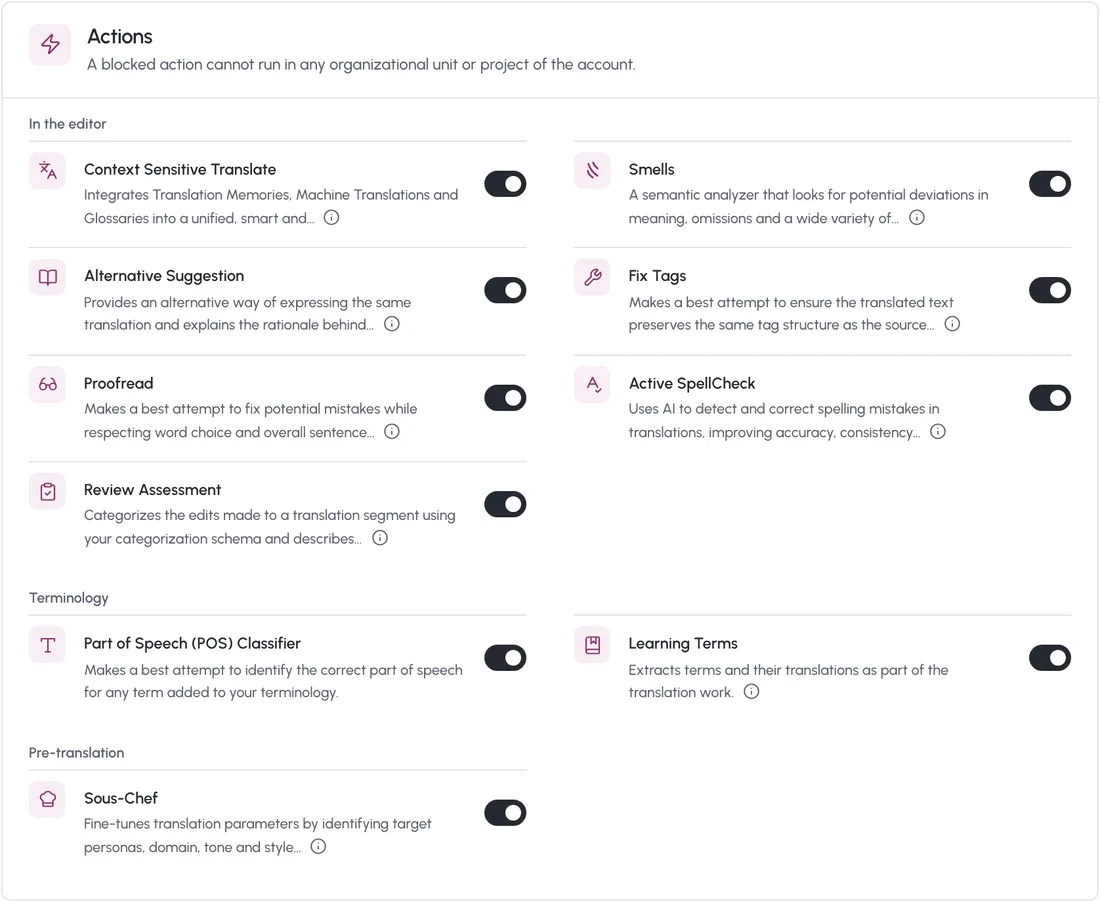
A block at the account applies to every unit and project below it, and a lower level can’t turn it back on.
Lock up to 14 editor options for a unit or a project, for example Track changes always on for reviewers.
Questions
No. You decide what confirms on its own. Everything else stays open for a linguist and goes through the review steps of its workflow. For legal or regulated content, you can keep every segment for review.
Yes. Leave confirmation by score off for that unit or project, or route its files to a workflow with an expert review step.
Not if you lock it. Linguists can’t edit a locked segment, and you can block AI actions such as Proofread for the account, a unit or a project.
The QA check flags problems and never blocks delivery on its own. A task can’t be delivered until every segment is confirmed, and with a hard character limit, a segment over the limit can’t be confirmed.
Every reviewer edit is recorded with its category and comments, and Quality Reports export with tracked changes. In the editor, each translation shows whether it came from memory, machine translation, AI or a glossary.
Yes. Add custom categories next to the system ones, or hide the system ones and use only yours.
Yes. Your account can have its own Analytics workspace in Metabase, with ready-made dashboards and quality and edit distance data for custom reports. Our team sets up the access.
TMill cleans large translation memories. It finds entries in the wrong language, translations that change the meaning, and tag, term, spelling and grammar errors, and fixes or removes them. Today it runs with our team, on memories of a million entries or more.
No. No customer content trains any model, and it is written into the data processing agreement.
By the volume you process, in one annual subscription. Your team, requesters and suppliers are not charged per seat. In enterprise plans, implementation, onboarding, training and asset import are included, so there is no first-year spike and no separate implementation invoice.
Book a demo
A 15-minute call first. Then a 30-day proof of concept on your real content, at no cost.
Named a Leader on G2for Translation Management Systems
Independently audited (SOC 2 Type 2)





